


Chat Support Jobs: Skills and Typing Requirements
Chat support jobs are an option worth exploring if you are comfortable using a computer, communicating through written messages and helping people solve everyday problems. Unlike traditional call centre positions, many chat support roles allow employees to communicate with customers through live chat, email or online messaging platforms rather than spending the entire working day on phone calls.
These jobs can appeal to freshers, graduates, students and people looking for remote employment in India. However, working in chat support involves more than simply typing messages quickly. Employers also look for good written English, patience, problem-solving ability, attention to detail and the ability to handle several customer conversations without losing track of important information.
If you are considering this career, understanding the required typing speed and practical skills can help you prepare before applying. Here is what you should know about chat support jobs, including the qualifications, tools, daily responsibilities and ways to improve your chances of getting hired.
What Are Chat Support Jobs?
Chat support jobs involve helping customers through text-based communication. A customer may visit a company’s website or mobile application and open a chat window to ask about an order, payment, account, delivery or technical issue.
A chat support executive reads the message, understands the problem and provides an appropriate response. Depending on the company, the employee may use prepared answers, internal knowledge articles or customer management software to resolve the query.
For example, imagine a customer orders a product online but does not receive an updated delivery notification. A chat support executive may check the order details, review the available tracking information and explain the next steps.
Some employers offer dedicated live chat positions, while others combine chat, email and telephone support. Therefore, always read the job description carefully before applying.
What Does a Chat Support Executive Do?
The exact responsibilities depend on the employer and industry. However, most chat support employees handle a combination of the following tasks.
1. Responding to Customer Messages
Answer incoming messages from customers who need information or assistance. Responses should be clear, polite and relevant to the question.
2. Resolving Customer Problems
Help customers with common issues involving orders, account access, payments, product information, delivery updates and service requests. More complicated cases may need to be transferred to another department.
3. Managing Multiple Conversations
Some companies expect employees to handle several chat conversations simultaneously. You need to understand each customer’s situation and avoid mixing up information between conversations.
4. Updating Customer Records
Record important details about customer interactions in a CRM or helpdesk system. This helps other support employees understand what has already happened if the customer contacts the company again.
5. Following Company Guidelines
Chat support executives must follow company policies when discussing refunds, cancellations, account security and complaints. They should not promise something that has not been authorised.
6. Escalating Difficult Queries
Not every problem can be solved during the first conversation. When an issue requires technical assistance, payment verification or management approval, the executive must forward it to the appropriate team.
What Skills Are Required for Chat Support Jobs?
Employers generally look for a combination of communication, computer and customer-handling skills. You do not necessarily need advanced technical knowledge for an entry-level position, but you should be comfortable using basic computer applications.
1. Good Written English
Written communication is one of the most important requirements for chat support jobs. Customers should be able to understand your responses without repeatedly asking what you mean.
You should know how to:
- Write grammatically correct sentences.
- Use proper spelling and punctuation.
- Explain information in simple language.
- Maintain a polite and professional tone.
- Understand customer messages accurately.
You do not need to use complicated English. Clear and helpful communication is more valuable than unnecessarily formal language.
2. Typing Speed and Accuracy
Typing is a major part of live chat work. You may need to respond to several customers while checking information in another application.
A reasonable preparation target for beginners is around 30–40 words per minute (WPM), with good accuracy. However, this is a practice benchmark rather than a universal employer requirement. Actual requirements differ between companies and positions.
For example, some advertised remote chat support positions specify a minimum of 30 WPM, while another customer support listing asks for 40+ WPM. These examples show why you should check the specific typing requirement in each vacancy.
Typing speed alone is not enough. A fast response containing incorrect information can create additional problems for both the customer and the company.
3. Active Listening and Reading Skills
Even though chat support is text-based, reading carefully is just as important as typing. Customers may explain several problems in one message, and you need to identify the actual issue before responding.
Read the entire message before sending an answer. If something is unclear, ask a short follow-up question rather than making assumptions.
4. Problem-Solving Ability
Customers usually contact support because something is not working as expected. You should be able to understand the problem, check available information and identify the appropriate solution.
For example, if a customer cannot access an account, you may need to check whether the issue relates to login details, a password reset or an account restriction.
5. Patience and Empathy
Some customers may be frustrated because of delayed orders, failed payments or repeated technical problems. Responding defensively will rarely help.
A good support executive remains calm, acknowledges the inconvenience and explains what can be done next. You should never make customers feel that their questions are unimportant.
6. Multitasking and Time Management
In a busy support environment, you may need to manage multiple conversations, check customer records and update case notes at the same time.
Develop the habit of organising your work. Keep track of pending conversations and avoid leaving a customer waiting without an update.
7. Basic Computer Knowledge
You should be comfortable with everyday computer tasks, including:
- Using a web browser and opening multiple tabs.
- Working with email applications.
- Copying and pasting information accurately.
- Using basic Microsoft Word and Excel functions.
- Searching for information in company knowledge bases.
- Using online chat and customer support platforms.
What Typing Speed Is Required for Chat Support Jobs?
There is no single typing speed that applies to every chat support vacancy. Requirements depend on the employer, customer volume, type of service and number of conversations handled simultaneously.
The following table provides practical preparation targets for beginners. These are learning benchmarks, not guaranteed hiring standards.
| Typing Speed | General Assessment |
|---|---|
| 15–20 WPM | A useful starting point for basic typing practice. |
| 20–29 WPM | Developing speed; continue improving accuracy. |
| 30–39 WPM | A reasonable preparation target for entry-level chat roles. |
| 40–49 WPM | A stronger practical target for handling frequent messages. |
| 50+ WPM | Good typing speed, provided accuracy remains high. |
Is 30 WPM Enough for a Chat Support Job?
It can be enough for some entry-level positions, particularly where the employer does not specify a higher minimum. However, other companies may expect 35, 40 or more WPM.
If you currently type around 30 WPM, focus on improving your accuracy and written communication before trying to reach a much higher speed.
Is 40 WPM Good for Chat Support?
Yes, 40 WPM is a useful preparation target. It can help you respond more comfortably while checking customer information and managing other tasks.
However, hiring decisions also depend on language skills, customer-handling ability, assessments and the employer’s specific requirements.
How Important Is Typing Accuracy?
Accuracy is essential because a small typing mistake can change the meaning of a response. For example, incorrect order numbers, dates or payment amounts can cause confusion.
Try to maintain at least 95% accuracy during practice. This is a useful personal training target, not a universal employer standard.
How to Improve Your Typing Speed for Chat Support Jobs
You do not need to join an expensive computer course to begin improving your typing. Regular practice using free online typing exercises can help you become more comfortable with a keyboard.
1. Practise for 15–20 Minutes Daily
Short, regular practice sessions are often easier to maintain than occasional long sessions. Start with simple paragraphs and gradually move towards longer customer-service messages.
2. Learn Proper Finger Placement
Practise using the home-row keys and the correct fingers for each part of the keyboard. This can help reduce unnecessary hand movement and improve consistency.
3. Focus on Accuracy Before Speed
Do not rush to increase your WPM. First, learn to type common words and sentences without repeatedly correcting mistakes. Speed generally becomes easier to develop once your typing technique improves.
4. Practise Customer Support Messages
Typing random sentences is useful, but practising realistic customer responses is even more relevant to this career.
For example, practise writing messages such as:
- Thank you for contacting our support team.
- Could you please share your order reference number?
- I understand the inconvenience caused by this delay.
- Let me check the available information for you.
- Your query has been forwarded to the relevant department.
5. Take Regular Typing Tests
Use typing practice websites such as Typing.com or 10FastFingers to check your progress. Record your speed and accuracy once or twice a week rather than testing yourself constantly.
Which Tools Should You Learn Before Applying?
Most companies provide training on their own systems. However, knowing the basic purpose of common workplace tools can make your transition into a support role easier.
| Tool or Software | How It Is Used |
|---|---|
| Microsoft Excel | Maintaining simple records and organising information. |
| Microsoft Word | Writing and editing documents. |
| Google Workspace | Working with documents, email and shared files. |
| Zendesk | Managing customer support tickets and conversations. |
| Freshdesk | Handling customer queries through support channels. |
| Salesforce | Managing customer information and service records. |
You do not need professional certification in every tool. Start by understanding how customer records, support tickets and knowledge bases work.
Can Freshers Apply for Chat Support Jobs?
Yes. Some companies recruit freshers for entry-level chat support positions and provide training after selection. Previous call centre experience is not always necessary.
However, eligibility depends on the employer. Some vacancies accept candidates with basic computer knowledge, while others ask for previous customer service experience or strong English communication skills.
Before applying, check the following requirements:
- Educational qualification, such as 12th pass or graduation.
- Written English or other required language proficiency.
- Minimum typing speed, if specified.
- Basic computer knowledge.
- Availability for rotational or night shifts.
- Ability to work from the office or remotely.
Freshers who want to explore entry-level opportunities can also browse jobs that do not require previous experience.
Educational Qualifications for Chat Support Jobs in India
There is no universal educational qualification for all chat support positions in India.
Depending on the role, employers may accept:
- 12th-pass candidates for selected entry-level positions.
- Graduates from any recognised discipline.
- Diploma holders with relevant communication and computer skills.
- Candidates with previous customer support or BPO experience.
International customer support positions may have different education, language, work authorisation and location requirements. An Indian applicant should not assume that a remote international vacancy automatically accepts applicants from India.
Are Chat Support Jobs Available as Work From Home Jobs?
Yes. Some companies offer remote customer support positions in which employees handle customer conversations from home. However, not every chat support job is remote.
Employers may recruit for three common arrangements:
Work From Home
Employees work remotely using company-approved systems. A stable internet connection, suitable computer and a quiet workspace may be required.
Office-Based Chat Support
Employees work from a company office or business process outsourcing centre. This arrangement may include supervised training and fixed or rotational shifts.
Hybrid Customer Support
Some employers combine office attendance with remote working. The schedule and eligibility depend on company policy.
Explore remote job opportunities and work-from-home options for beginners to understand the different types of roles available.
How to Find and Apply for Chat Support Jobs
Finding a genuine vacancy requires more than searching for work-from-home chat jobs on social media. Use established job platforms and verify the employer before sharing personal information.
Step 1: Prepare Your CV
Include your education, computer knowledge, language skills and any customer-facing experience. If you are a fresher, mention relevant practical skills rather than claiming experience you do not have.
Step 2: Search Using Relevant Job Titles
Try searching for these terms:
- Chat Support Executive
- Live Chat Support Agent
- Customer Support Associate
- Email Support Executive
- Customer Service Representative
- Non-Voice Process Executive
Step 3: Check the Job Description
Read the requirements carefully. Confirm the location, work arrangement, shift timings, educational qualifications, experience requirements and typing speed.
Step 4: Apply Through a Genuine Channel
Whenever possible, apply through the employer’s official careers page. You can also explore recognised recruitment platforms and India’s National Career Service portal.
Step 5: Prepare for the Assessment
Some employers conduct typing tests, written English assessments, customer-handling exercises or interviews. Practise responding to sample customer questions before attending the selection process.
Step 6: Verify the Offer
Check the company’s identity, official email address, job responsibilities and employment terms before accepting an offer.
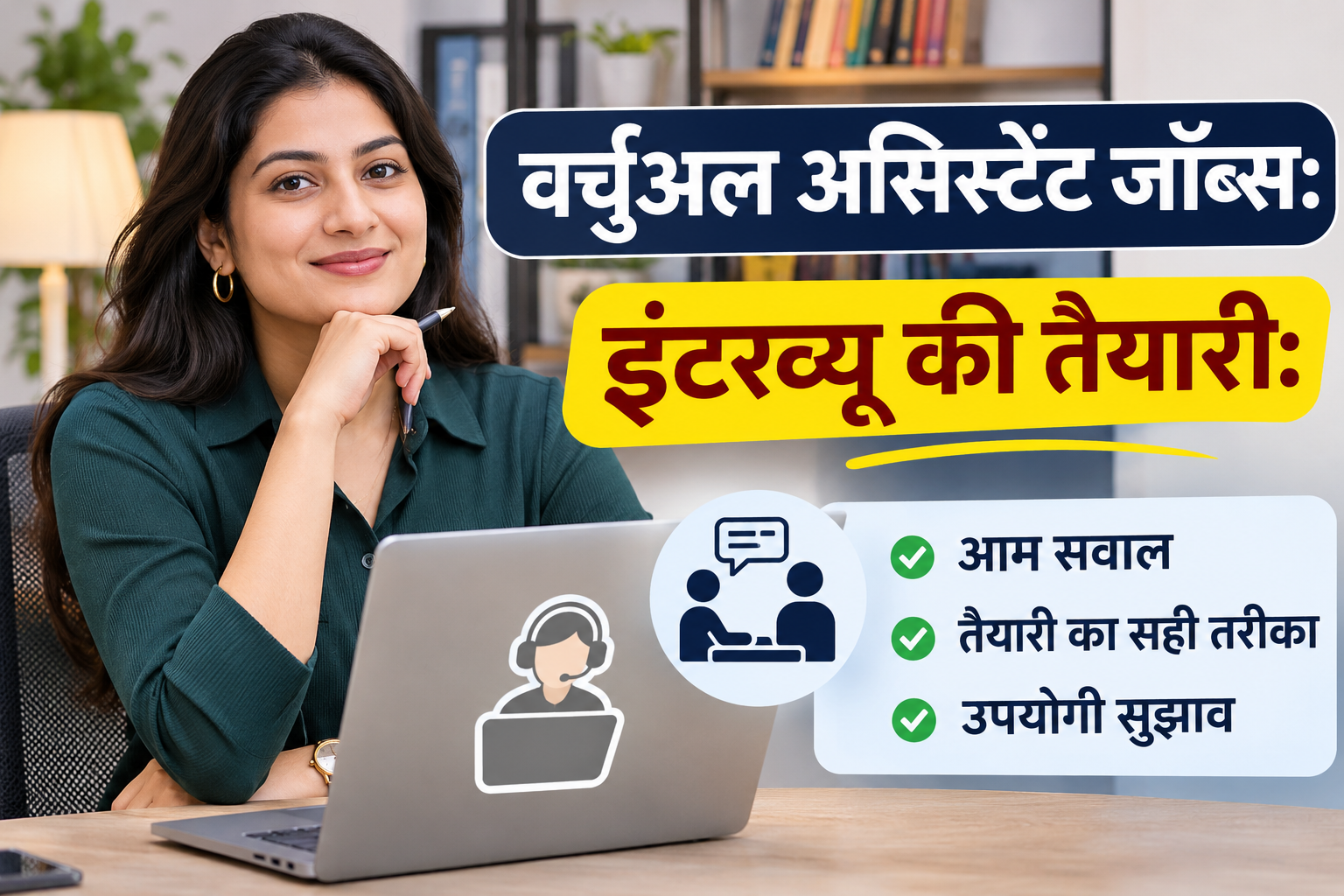
How to Prepare for a Chat Support Interview
Employers may use practical questions to understand how you communicate with customers and manage difficult situations.
Prepare answers to questions such as:
- Why do you want to work in chat support?
- How would you handle an angry customer?
- What would you do if you did not know the answer to a question?
- How would you manage multiple customer conversations?
- What is your typing speed?
- How would you handle a customer asking for an unauthorised refund?
Practise writing short, professional responses. Your answers should demonstrate patience, accuracy and an understanding of customer needs.
Common Mistakes to Avoid When Applying
- Focusing only on typing speed: Communication and problem-solving skills matter just as much.
- Ignoring grammar: Frequent spelling mistakes can affect your assessment results.
- Applying without checking eligibility: Some positions require experience, specific languages or night-shift availability.
- Using the same CV for every role: Highlight skills that match the vacancy.
- Claiming false experience: Employers may verify previous employment and practical abilities.
- Ignoring shift requirements: Remote jobs can still involve weekends and overnight schedules.
How to Identify Fake Chat Support Job Offers
Work-from-home customer support opportunities can attract fraudulent recruiters who promise easy earnings in exchange for registration fees or personal information.
Be particularly careful if a recruiter:
- Demands money for registration, interviews or guaranteed placement.
- Promises unusually high earnings for very little work.
- Contacts you through an unofficial WhatsApp or Telegram account and refuses to provide verifiable company details.
- Requests your OTP, banking password, card PIN or remote access to your computer.
- Issues an offer without a proper selection process or clear employment details.
- Uses a genuine company’s name but communicates through an unrelated email address.
India’s National Career Service states that its registration, job application and interview-processing services are free. It also warns jobseekers about fraudulent communications impersonating NCS. You can verify suspicious communications through its official website or helpline.
Never pay a recruiter to secure a job. If you suspect online financial fraud in India, report it through the appropriate government cybercrime reporting channels.
Final Thoughts
Chat support jobs can be a practical starting point for people interested in customer service, online employment and remote work. You do not always need an advanced qualification or previous call centre experience, but you should be comfortable communicating through written messages and using a computer.
Start by improving your typing speed, practising clear English sentences and learning basic customer support tools. Aim for consistent accuracy rather than trying to type as quickly as possible. Most importantly, check each employer’s actual requirements and verify job offers before applying.
With regular practice and the right preparation, you can build the skills needed to apply confidently for suitable chat support positions.