

Typing Speed Tests: How to Practise for Job Assessments
Typing speed tests are a common part of recruitment for data entry operators, computer assistants, clerical staff, customer support executives and several other office-based roles. Some employers use a short online typing assessment during recruitment, while certain government examinations include a formal typing or data entry skill test.
If you are preparing for your first typing assessment, knowing how to type quickly is only part of the preparation. You also need to maintain accuracy, avoid unnecessary mistakes and become comfortable typing under a time limit.
The good news is that typing is a practical skill that improves with regular practice. You do not necessarily need expensive software or a professional typing course. A computer, a suitable keyboard and a consistent practice routine can help you build a stronger foundation.
This guide explains how typing speed tests work, how to measure your current performance and how to practise effectively before applying for jobs.
What Is a Typing Speed Test?
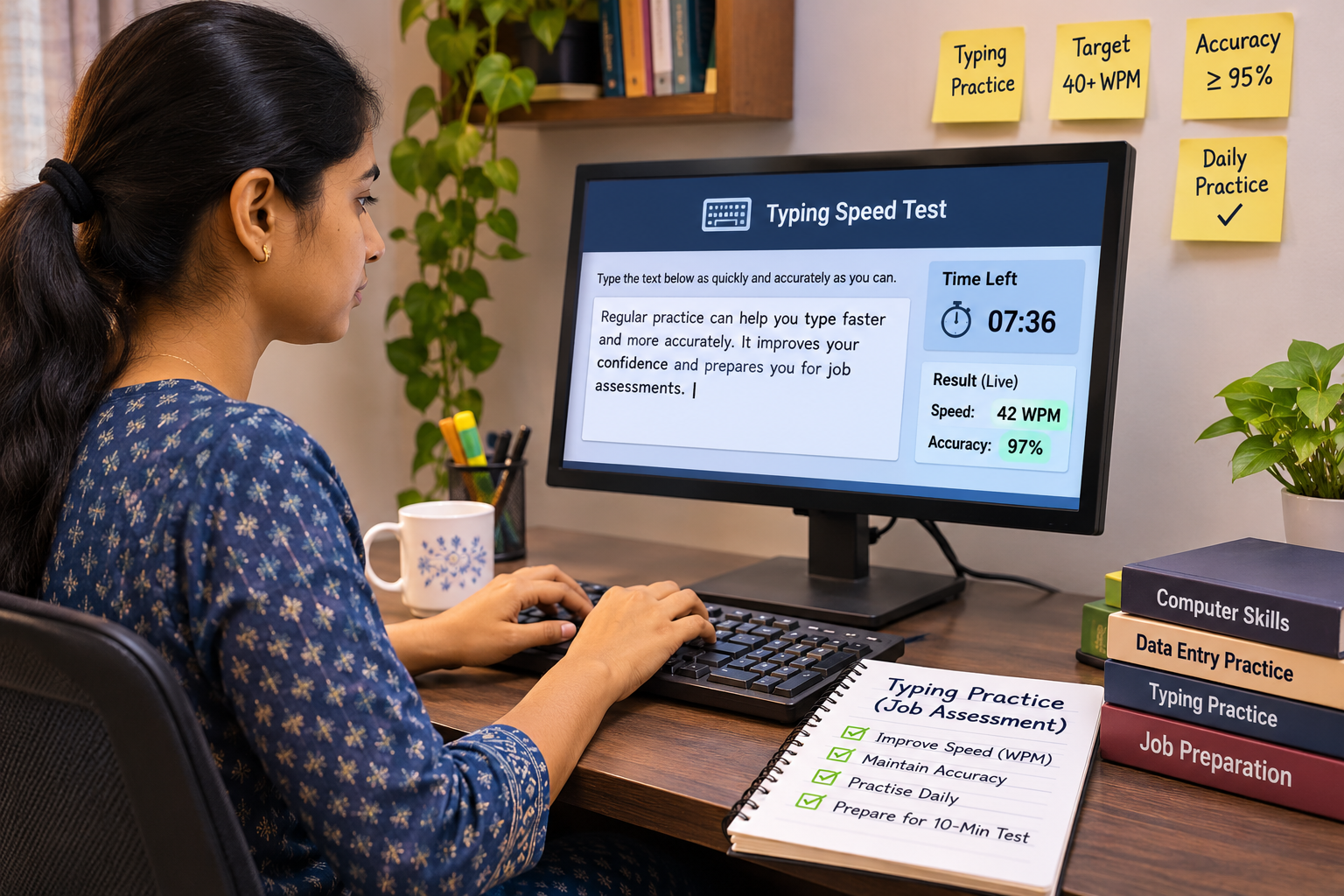
A typing speed test measures how quickly and accurately you can enter text using a keyboard. Most online tests display a passage that you need to type within a specified time.
Your results generally include two important measurements:
- Words per minute (WPM): The number of standardised words you can type in one minute.
- Typing accuracy: The percentage of characters or words entered correctly, depending on the test platform.
For example, if your result shows 40 WPM with 96% accuracy, it means your typing speed is approximately 40 words per minute under that test’s scoring method, with a relatively small number of mistakes.
Some recruitment tests also measure key depressions per hour (KDPH), which is particularly relevant to data entry positions. This measures how many individual keystrokes you enter within an hour.
Why Do Employers Conduct Typing Speed Tests?
Many office jobs involve entering information, preparing documents, updating records or responding to written enquiries. Employers use typing assessments to understand whether candidates can handle these responsibilities efficiently.
Typing assessments may be included in recruitment for roles such as:
- Data entry operators.
- Junior clerks and office assistants.
- Computer operators.
- Customer support executives.
- Virtual assistants.
- Administrative assistants.
- Transcription and documentation assistants.
- Back-office executives.
Not every employer requires a typing test. Some companies assess typing during an interview, while others include a separate online assessment before the final selection stage.
Candidates exploring data entry jobs or online customer support jobs may benefit from developing this skill before applying.
What Is a Good Typing Speed for a Job?
There is no single typing speed that guarantees selection for every job. The required speed depends on the employer, job responsibilities and assessment rules.
For general practice, the following figures can help beginners understand their progress. These are suggested learning milestones, not universal recruitment standards.
| Typing Speed | General Practice Level |
|---|---|
| Below 20 WPM | Beginner |
| 20–29 WPM | Developing |
| 30–39 WPM | Intermediate |
| 40–49 WPM | Good working speed |
| 50–59 WPM | Strong typing speed |
| 60+ WPM | Advanced practice level |
These levels are only general guidance. A job requiring 35 WPM may reject a candidate who cannot meet its accuracy or test-specific requirements, even if that person types faster in an informal online test.
Typing Speed Requirements in Indian Government Exams
Some government recruitment examinations specify typing speeds and test durations in their official notifications.
For example, the SSC Combined Higher Secondary Level (CHSL) Examination 2023 notification specified the following requirements for the LDC/JSA typing test:
- English medium: 35 words per minute.
- Hindi medium: 30 words per minute.
- Typing test duration: 10 minutes.
The notification also explained the corresponding key-depression rates and stated that typing speed would be assessed using a given text passage.
This is an example from the 2023 recruitment notification, not a universal or permanent requirement. Candidates preparing for SSC or other government examinations should check the latest official notification for the relevant recruitment cycle, including the required language, keyboard layout, duration and evaluation rules.
How to Check Your Current Typing Speed
Before starting a practice routine, take a typing speed test to understand your current level. Without an initial result, it can be difficult to know whether your practice is producing improvements.
Follow these steps:
- Choose a reliable online typing test.
- Select a one-minute or three-minute assessment for your first attempt.
- Read the instructions before starting.
- Type the displayed passage without looking at the keyboard.
- Complete the test without unnecessary pauses.
- Check your WPM and accuracy results.
- Record your result so you can compare it with future attempts.
One useful starting point is Typing.com free typing tests, which offers timed assessments of different lengths, including one-, three- and five-minute tests.
Try not to judge your ability based on a single attempt. Complete two or three tests on different occasions to get a more realistic idea of your current performance.
How to Practise Typing Speed Tests for Job Assessments
Improving typing speed is easier when you follow a structured routine instead of repeatedly taking random online tests. Focus on the techniques below to improve both speed and accuracy.
1. Learn the Correct Finger Positions
Start by learning the home-row position on a standard QWERTY keyboard.
Place the fingers of your left hand on A, S, D and F. Place the fingers of your right hand on J, K, L and the semicolon key. Your thumbs should rest comfortably near the spacebar.
The small raised marks on the F and J keys help you find the correct position without looking down.
Practise returning your fingers to the home row after reaching for other keys. This makes your movements more consistent and reduces unnecessary finger movement.
2. Practise Without Looking at the Keyboard
Looking down at the keyboard after every few words can interrupt your typing rhythm. It also makes it harder to develop confidence with different letter combinations.
Try typing short sentences while keeping your eyes on the screen. You may make mistakes initially, but focus on learning the correct key positions rather than rushing.
Start with familiar words and gradually move towards longer sentences. Once you become comfortable, practise complete paragraphs without looking down.
3. Focus on Accuracy Before Increasing Speed
One common mistake among beginners is trying to achieve a high WPM score immediately. They type as quickly as possible but make frequent spelling and punctuation errors.
This approach can become frustrating, particularly when the recruitment assessment has strict accuracy requirements.
Instead, build a habit of typing correctly first. Once you can complete passages with fewer mistakes, gradually increase your pace.
For example, if you currently type 25 WPM with 85% accuracy, work towards maintaining 25 WPM with better accuracy before attempting 30 or 35 WPM.
4. Practise With Different Types of Text
Typing the same simple sentences repeatedly will not prepare you for every type of assessment.
Use different passages during practice, including:
- Ordinary English paragraphs.
- Business emails and office correspondence.
- Short news reports.
- Formal letters and notices.
- Numbers, dates and addresses.
- Sentences containing punctuation marks.
This approach helps you become comfortable with different words, sentence structures and keyboard combinations.
5. Practise Numbers and Special Characters
Some administrative and data entry positions involve entering numbers, dates, codes and other information. Typing only ordinary paragraphs may not provide enough practice for these tasks.
Spend a few minutes entering sample information such as:
- Names and addresses.
- Phone numbers.
- Dates and reference numbers.
- Basic financial figures.
- Common punctuation marks.
If you are preparing for a data entry assessment, practise entering information accurately rather than focusing exclusively on WPM.
6. Use Timed Typing Practice
Being able to type quickly without a time limit is different from completing a passage during an actual recruitment assessment.
Start with short tests and gradually increase the duration.
- One-minute tests to check basic speed.
- Three-minute tests to build consistency.
- Five-minute tests to improve concentration.
- Ten-minute tests to simulate longer recruitment assessments.
Always practise using the duration and format required by your target employer or examination. If the assessment uses a ten-minute passage, include ten-minute practice sessions in your preparation.
A Simple 30-Day Typing Practice Plan
If you are a beginner, a 30-day plan can help you build a regular practice habit. The following schedule is a suggested routine, not a guaranteed timeline for reaching a particular speed.
| Practice Period | Main Focus | Daily Practice |
|---|---|---|
| Days 1–7 | Home-row keys, finger placement and basic words | 15–20 minutes |
| Days 8–14 | Complete sentences and accuracy | 20–25 minutes |
| Days 15–21 | Timed passages and longer paragraphs | 25–30 minutes |
| Days 22–30 | Full-length practice assessments and error correction | 30 minutes |
What Should You Do During Each Practice Session?
A simple daily routine could look like this:
- First 5 minutes: Practise basic words and finger movements.
- Next 10 minutes: Type a paragraph while concentrating on accuracy.
- Next 10 minutes: Complete one or two timed typing tests.
- Final 5 minutes: Review mistakes and practise difficult words.
If you are already comfortable with typing, you can spend more time on timed passages and the specific format used in your upcoming assessment.
How to Improve Hindi and English Typing Skills
Indian job seekers may encounter typing assessments in English, Hindi or another regional language, depending on the recruitment requirements.
English Typing Practice
For English typing, practise using the keyboard layout specified by the assessment. Most standard English typing practice uses the QWERTY layout.
Work on common English words, sentence formation, punctuation and paragraph typing. If you are preparing for clerical or data entry work, include formal office-related passages in your practice sessions.
Hindi Typing Practice
Hindi typing requires additional preparation because the keyboard layout and input method may differ from ordinary English typing.
Before practising, check which keyboard layout and font or encoding system your examination requires. Depending on the recruitment rules, candidates may need to use a specified Unicode or other supported typing arrangement.
Practise Hindi passages regularly and become familiar with the relevant keyboard layout before taking a timed assessment. Do not assume that practising with one Hindi input method will automatically prepare you for another.
Common Mistakes to Avoid During Typing Tests
Even candidates who practise regularly can lose marks or fail to meet assessment requirements because of avoidable mistakes.
Typing Too Fast From the Beginning
Trying to achieve your target speed immediately often leads to more errors. Build a steady pace and increase it gradually.
Ignoring Punctuation and Capital Letters
Some candidates focus only on ordinary words and overlook capital letters, commas, full stops and other characters. Practise complete passages rather than isolated words.
Taking Only One-Minute Tests
Short tests are useful for checking speed, but they do not always reflect your ability to maintain performance over a longer assessment. Include longer practice sessions.
Changing Keyboard Layouts Frequently
Regularly switching between different layouts can make it harder to develop consistent finger positions. Practise using the same layout required by your target assessment.
Ignoring Mistakes After Each Test
Simply repeating tests without reviewing errors may not improve your performance. Identify the keys, words and combinations that cause difficulty and practise them separately.
How to Prepare for an Actual Job Typing Assessment
Once you have developed a reasonable typing speed, start preparing for the actual recruitment process.
These steps can make your preparation more relevant:
- Read the job description: Check whether the employer specifies a minimum typing speed or accuracy requirement.
- Understand the assessment format: Find out whether the test involves copying a passage, entering data or responding to written prompts.
- Check the duration: Practise using the same time limit wherever possible.
- Confirm the language: Make sure you practise in the language required for the position.
- Use a similar keyboard: If the assessment is conducted on a desktop computer, practise on a comparable keyboard.
- Take full-length mock tests: Complete assessments without pausing or restarting.
- Review your performance: Compare your speed and accuracy with the employer’s stated requirements.
For government recruitment, always rely on the official examination notification rather than an old practice website or an unrelated job advertisement.
How Typing Skills Can Help With Work From Home Jobs
Typing skills are useful in several remote and office-based roles. They can be particularly helpful when your daily responsibilities involve entering information, handling customer enquiries or preparing documents.
Some opportunities where typing ability may be useful include:
- Data entry: Entering and updating information in spreadsheets and databases.
- Virtual assistance: Managing emails, documents, schedules and online records.
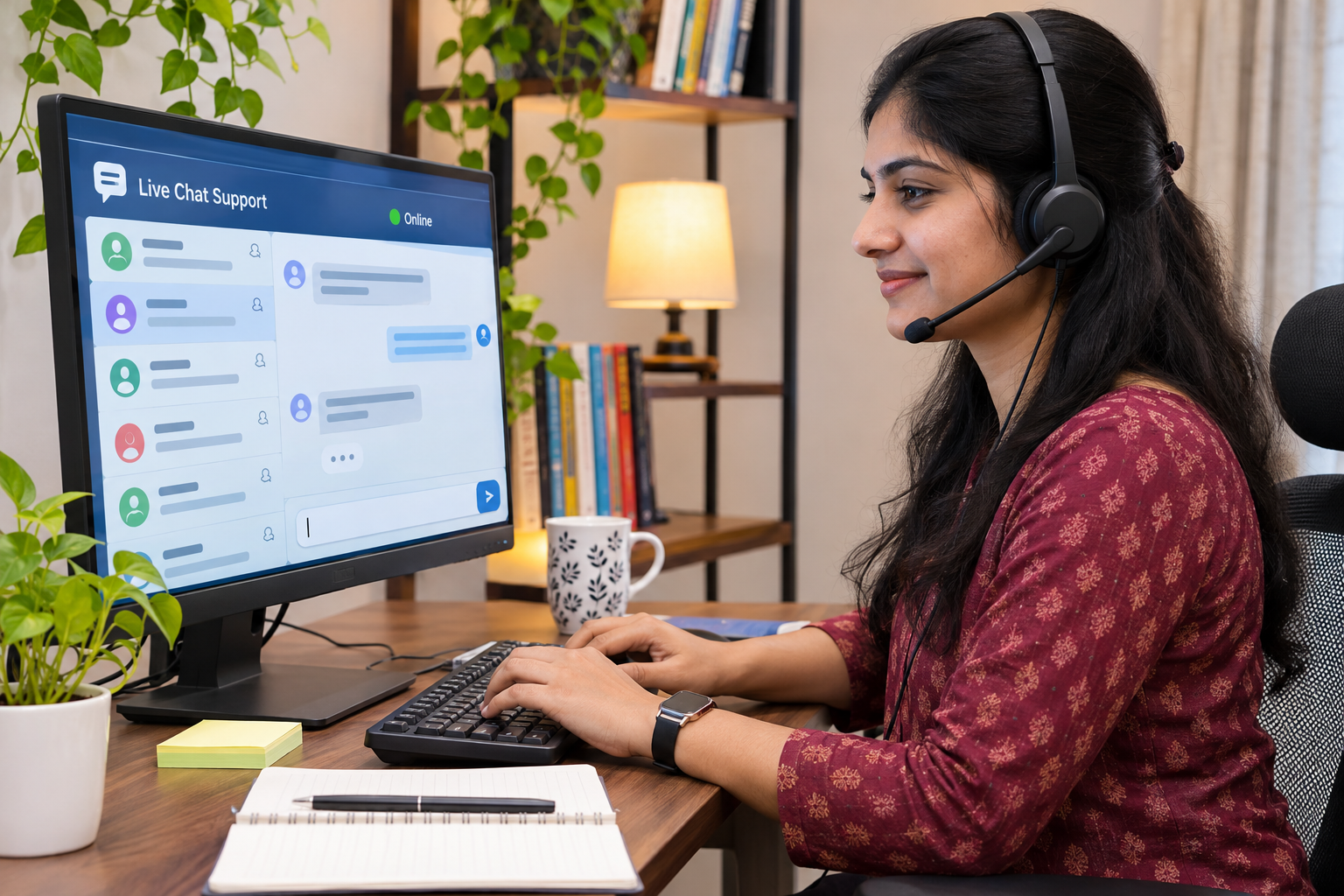
- Customer support: Responding to customer questions through live chat or email.
- Transcription: Converting audio recordings into written documents.
- Administrative support: Preparing reports, letters and office documents.
You can explore relevant opportunities through CareerMala’s Work From Home Jobs and Virtual Assistant Jobs categories.
Remember that typing ability alone does not qualify you for every position. Employers may also assess communication, computer knowledge, spreadsheet skills and role-specific experience.
How to Mention Typing Speed on Your CV
If typing is relevant to the position, you can include your verified typing speed in the skills section of your CV.
For example:
- English typing: 40 WPM.
- Typing accuracy: 97% in a five-minute practice assessment.
- Computer skills: MS Word, basic Excel and document formatting.
These are illustrative examples, not recommended claims to copy without testing your own ability.
Always mention the actual result you can consistently achieve. If you are applying for a data entry position, you may also highlight your ability to enter numerical information accurately and maintain organised records.
For more guidance, explore CareerMala’s Resume Writing resources.
Final Thoughts
Preparing for typing speed tests does not require complicated training methods. What matters most is practising regularly, learning the correct finger positions and understanding the assessment format before the actual test.
Start by checking your current WPM and accuracy. Set a realistic improvement target, practise with different passages and gradually introduce timed assessments into your routine.
If you are preparing for a data entry, clerical, customer support or remote administrative position, better typing skills can make everyday computer tasks easier and help you feel more confident during recruitment assessments.
Consistency matters more than rushing to achieve a high score. Focus on typing correctly first, and let your speed improve with practice.